Junk Drawer, A Tiny Physics-Powered Home for Desktop Clutter
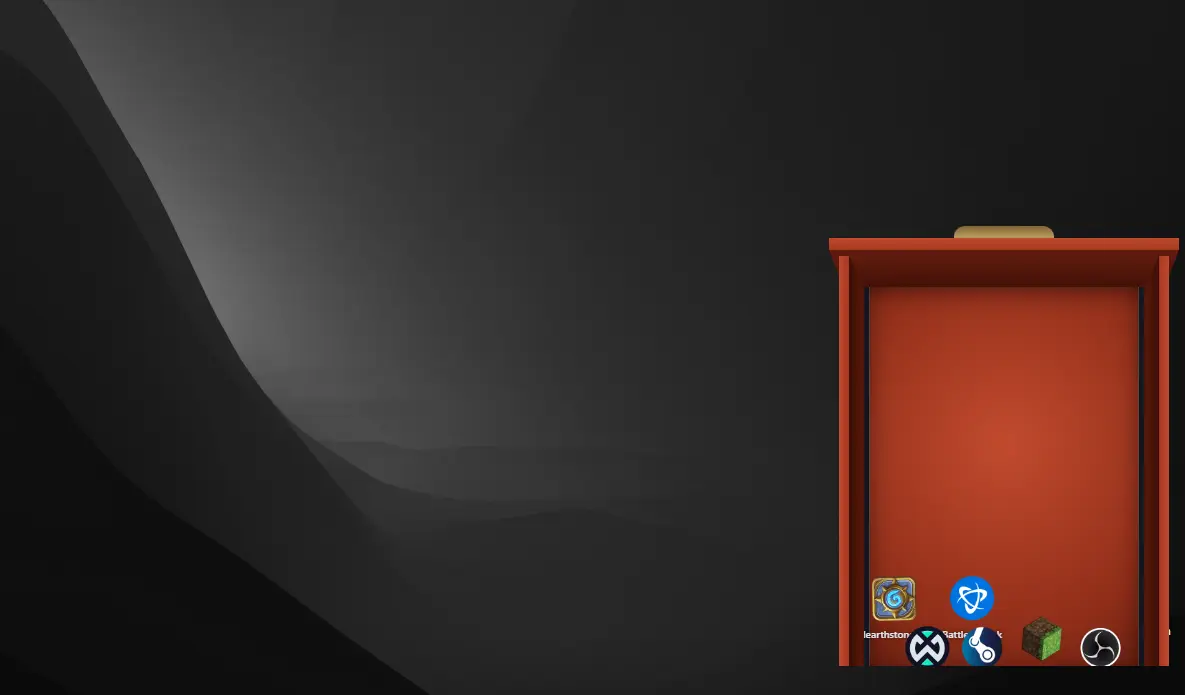
My desktop has a way of collecting files that I promise I’ll sort out later. Screenshots, documents, archives — each one is only temporary, until suddenly the desktop is the filing system.
I wanted a better place for that temporary mess. Not another folder to remember to open, and definitely not a tool that made tidying feel like more admin. The result is Junk Drawer: a small desktop app that gives loose files somewhere to go, with a little bit of physics and personality along the way.
A drawer, not another folder
Junk Drawer is a desktop utility for macOS and Windows. Its window is a compact, transparent, undecorated panel that sits near the bottom-right of the current screen. Open the drawer and it becomes a little space for desktop clutter.
Drop a file onto the app and it appears inside as a movable object. Files tumble, bump into the drawer walls, and settle into a pile. You can grab and toss them around, or double-click one to put it back where it came from.
There are also keyboard shortcuts for the two moments when the drawer is most useful:
- Ctrl/Cmd + Shift + D sweeps desktop files into the drawer.
- Ctrl/Cmd + Shift + R restores everything to its original location.
The small details matter, too. File icons come from the operating system when available, with illustrated fallbacks for common file types. Sounds accompany opening the drawer, dropping and handling items, and restoring files. When the drawer gets crowded, it gets a squeakier opening sound and a slower transition — a playful acknowledgment that it’s getting full.
What happens to a file?
The important thing is that the drawer isn’t just a visual trick. Junk Drawer keeps track of where each item came from so it can be restored later.
When a file is stashed, the app copies it into its application data directory, removes the original from the desktop, and records the original path and item details in a junk_manifest.json file. The drawer’s physics objects are connected to those saved records. When you restore an item, the app copies it back to its original path, removes the stashed copy, and updates the manifest.
That gives the interaction a simple promise: put it away now; get it back where it was later.
The tech stack
Junk Drawer is built with:
- Angular and TypeScript for the interface and application logic.
- Tauri 2 and Rust for the native desktop shell and access to operating-system capabilities.
- Matter.js for the 2D physics simulation.
- Tauri plugins for filesystem operations and global keyboard shortcuts.
- A small Rust command using
file_icon_providerto retrieve native file icons. - HTML audio for the sound effects.
There’s no server or account system in the middle. The app runs locally, and its stash and manifest live in the application’s data directory.
How the architecture fits together
The app is split into a few focused parts. Angular owns the drawer interface, while services handle storage, native desktop events, physics, and audio.
Angular drawer UI
  └── Physics canvas
        └── PhysicsService (Matter.js)
              ├── DrawerStorageService
              └── AudioService

DesktopFileService
  ├── Native drag-and-drop events
  ├── Global keyboard shortcuts
  ├── DrawerStorageService
  └── PhysicsService

Tauri + Rust
  ├── Filesystem and app-data access
  ├── Window and desktop integration
  ├── Global shortcut plugin
  └── Native file-icon command